Wallhack Your Home: A Realtime 3D Map of Your Home Inspired by RoboCop and Perfect Dark
PUBLISHED JUNE 18, 2026
I’ve been kicking around, researching various aspects of, and prototyping the idea of a spatial map for a while now.
The result is minimap – an app that displays a living, 3D map of your space for iOS, iPadOS, macOS, and visionOS. There’s a fuller demo over here, but this clip should get the idea across:
See your place at a glance with minimap
If you’re interested in “holograms,” maps, realtime data, smart homes, multi-camera/multi-view geometry applications, floorplans, augmented reality streaming products, or retro fictional sci-fi technology – I’d love if you gave minimap a go. It’s early and it has issues (some related to my code, others to the design, others inherent to the Apple frameworks I’ve built on), but if you find a problem: I want to hear about it.
Otherwise, stay awhile and listen as I outline the basics of building this realtime spatial app.
So What is minimap?
minimap is an app that displays a simplified, 3D map of your home and a live visualization of the people inside it.
Here are the steps to get it working:
Step Zero: Get Your Devices on the Same Wi-Fi & Apple ID
minimap may deal with some sensitive info – that’s why there are no minimap servers, no minimap backend databases saving details about your home/activity/camera frames, or anything of that sort. minimap works on your devices that are all on your Wi-Fi logged into your Apple ID. At launch, you’re out of luck if you want to check your minimap while away from home or set up devices that span multiple Apple ID accounts.
I’ve got a full roadmap, but for now: This is a glanceable map of your home for use while you’re home.
Step One: Scan a Floor
You get started by scanning a floor/story of your home using an iPhone Pro or iPad Pro. Either of those devices from the last 6 years will work, as long as the device has a LiDAR sensor. Put another way: Any iPhone Pro or iPad Pro from 2020 and later can create the floorplan.
Under the hood, minimap is using RoomPlan to understand your space and replace furniture and objects with simple boxes. Floors need to be scanned separately, one at a time; some of the Apple frameworks I’ve used to build minimap (i.e. RoomPlan and ARKit) have a hard time understanding stairs. Differing elevations in a home are just too mind-blowing for the underlying machine learning models to grasp.
Step Two: Set Up a Camera
Once you’ve got a floor scanned in minimap, then any recent iPhone or iPad running iOS 26 or iPadOS 26 can be set up as a camera. The camera needs to understand where it is in your home, which it does by using ARKit to relocalize to the floorplan you just created. That’s a fancy way of saying the app looks for shapes and textures it’s already seen which, in conjunction with internal device sensors, anchor the device on the spatial map.
Step Three: See Your Space, at a Glance
That’s it. Stuff like scanned floors may take a minute or two to sync between your devices – but after that, you’ll see a 3D version of anything a minimap camera recognizes as a person mapped to the 3D space of your home.
The free version of minimap is limited to one camera and one scanned floor, but the upgraded version allows three cameras to be placed anywhere in up to three floors of your space. So set up a camera downstairs, upstairs, in the fridge, wherever; you’ll be able to see who those cameras see, placed in 3D on your minimap.
So…Why Did I Build This?
A few reasons come to mind.
Robots
I know, I know. That sounds like me jumping on the same bandwagon as nearly every other tech and tech-adjacent fool who’s even considered pitching investors over the past 3 years about What’s Next™ after frontier AI labs.
But hear me out.
I’ve played thousands of hours of games where automation, operations, systems, logistics, and optimization are core components of the game. Games like SimCity, Factorio, Civilization, StarCraft, and RollerCoaster Tycoon. At some point in most of those games, sometimes 5 seconds into a match and other times 50 hours into a playthrough, you reach a point where you don’t want to do every single little thing yourself – you want to set up a system to do it automatically. Doing so frees up your time, capacity, and headspace to focus on other (often “more important”) things.
I think sometime in the nearish future, many of us will have the opportunity to shift some of our household tasks, chores, and todos to robots (beyond today’s relatively moronic robot vacuums). When that time comes, I think realtime, spatial representations of our homes will be useful.
With such a map: We could take a quick peek and check on the progress of our bot that’s tidying up the living room. We could shepherd an inactive or stuck bot to the next task. We could point a scrubber bot to a specific part of the bathroom where it should expend extra effort to ensure things are spotless. We could open our map and simply admire our flock of busy bots as they go about their assignments. We could hand off a crucial snack (we don’t want to forget on our way out the door) to a bot and instruct them exactly where to put the Oreos downstairs so we don’t go snackless at the worst possible time.
These may seem trite and contrived, but I see this as similar to navigating in days of yore. Pre-GPS. Sometimes I’d have a written list of driving instructions. Take a right onto Dundee. Left onto Wolf. Left into the parking lot. Some people would prefer to always have that written list.
But there are times and places (and personal preferences) for different media. I’d take a map with an X on it every day over a numbered list of turn-by-turn instructions. On that map of the route, I could see and instantly intuit the relative distances between turns. I could look for roads I’d pass before coming up on a turn. I could look for towns I’d pass through on my way. I could look for pit stops that might be worth the detour.
Maybe one day neural or speech commands will get to be so good that a robot will inherently understand what I mean when I hand it something and tell it “put this by the thing” when I’m mid-task and that’s as precise as I can get. But I think it’ll often be easier, faster, and more accurate to refer to a 3D map and drop a pin right where I want that important thing to go.
And yet…there aren’t that many robots in my house right now. There aren’t many robot APIs and SDKs and frameworks that I have access to relevant to the nonexistent robots in my home. But there are still things that can be done to build towards that realtime spatial map concept.
And that’s what minimap is today.
People today. Robots tomorrow (hopefully).
I Like Maps
I’ve repeated that ad nauseam. One way or another.
minimap is a way to take elements of ideas I saw explored in RoboCop, Total Recall, Perfect Dark, Diablo 2, The Sims, and countless other movies and games over the decades – and build them into something I wanted to build.
Enterprise Spatial Intelligence
This was the original, most boring reason that eventually led to me building minimap. When ARKit 3.5 launched in March of 2020, I was eager to get my hands on the new iPad Pro and plunge into the Scene Geometry capabilities. At that time I imagined ARWorldMaps could be combined with the then-newly-released personSegmentationWithDepth to allow any old retail spot to prop up an iPad in the corner and get dwell times, spatial heatmaps, and similar physical analytics.
There probably aren’t many small businesses that interested in spatial intelligence, but my general thought was to slap together something close to a bootleg, nano version of what I believe Outsight does.
How I Built minimap
I built minimap between contracts over the past few months with my “employees” Claude, Claude Code, and Claude Design. I’ve tooled around with agentic coding a bit on some other projects, but minimap marked the first time I went all-in and utilized such products to build something new from the ground up.
I occasionally hit a wall and would hold a bake-off between Claude, ChatGPT/Codex, and Gemini. I’d provide each with the same context, problem, and instructions to see who would come out on top. I did this maybe eight times over a few months, always using the latest models. There was one time ChatGPT absolutely destroyed Claude and Gemini. Every other time Claude came out on top (either by presenting a functional solution whereas the others didn’t, or by presenting better code, or by yielding a more elegant solution).
As recently as early this year I would state that LLMs were helpful, but still quite bad at understanding spatial computing development (or 3D development, or mixed reality development, or whatever you want to call “writing code that needs to understand three dimensions and interact with the physical world”). I’m leaning towards thinking that’s no longer the case, if it ever was true.
I expect my agentic coding setup is rather vanilla and plain compared to others’, but it gets the job done quickly, my way. With the absolute onslaught of new AI models, products, libraries, “best practices,” memes, and fads – I’m reminded of the 2012-2014 era when I was trying to teach myself how to code. Admittedly, things are much more hyperactive now, but at that time on a weekly basis there was a new framework or no-code platform or library or app that I repeatedly told myself “THIS is the one! THIS is the tool that will finally click for me. And with this magical tool, I will finally learn how to code.”
I was actually just getting persistently distracted by a new shiny object, embarking on an endless number of false starts, and looking for a shortcut to learn how to code without putting in the work.
Now, rather than waste my time trying every shiny new AI toy I come across, I’ve been relatively heads down building minimap for a while. I’ll do my little bake-offs, I’ll try some new models, and I’ll experiment with new practices…but I think the fastest way to build a thing is to build it. Not spend undue time looking to optimize a workflow, spin up 100 agents, and use a skill or process because Hacker News said so.
minimap uses RealityKit for 3D rendering and placement, RoomPlan for understanding your space, ARKit for connecting the 3D scenes to the real world, SwiftUI for the views, SwiftData & CoreData & CloudKit for saving and syncing data between devices, Network for streaming data between devices, CoreGraphics & Metal & CoreVideo & MetalKit & VideoToolbox & CoreMedia for properly packing up and rendering the depth textures of segmented humans, RevenueCat for subscription management, and CoreLocation for an initial (relatively broken) attempt at aligning floors based on some compass readings.
I went through countless attempts and permutations of the rendering pipeline. I tried point clouds for the people. I tried texturing the RoomPlan objects using the camera image (a task I got stuck on two years ago…and once I recently figured it out, I immediately dismissed it as distracting and detrimental to the UX). I tried many compression algorithms and methodologies. I tried…whatever these other images below are showing.
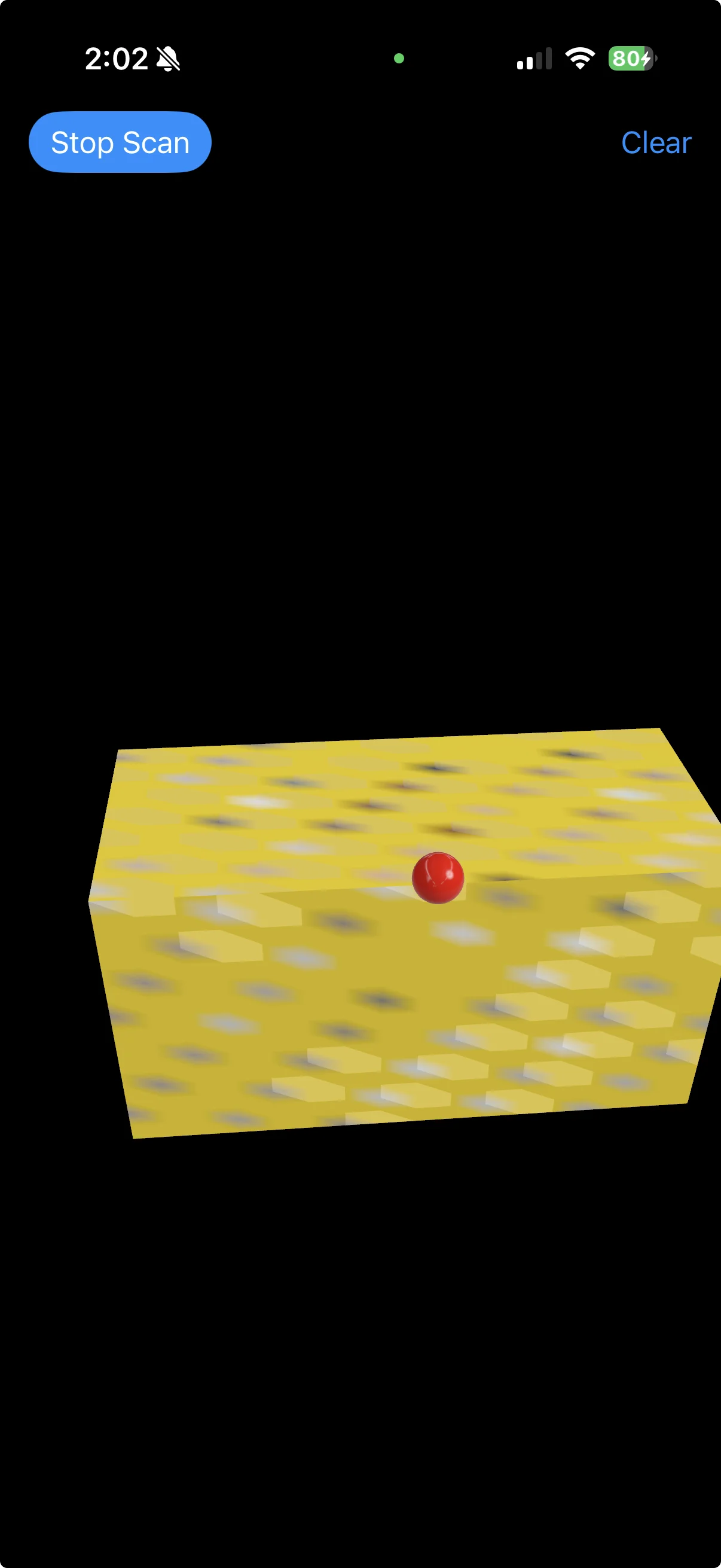
Humble Beginnings
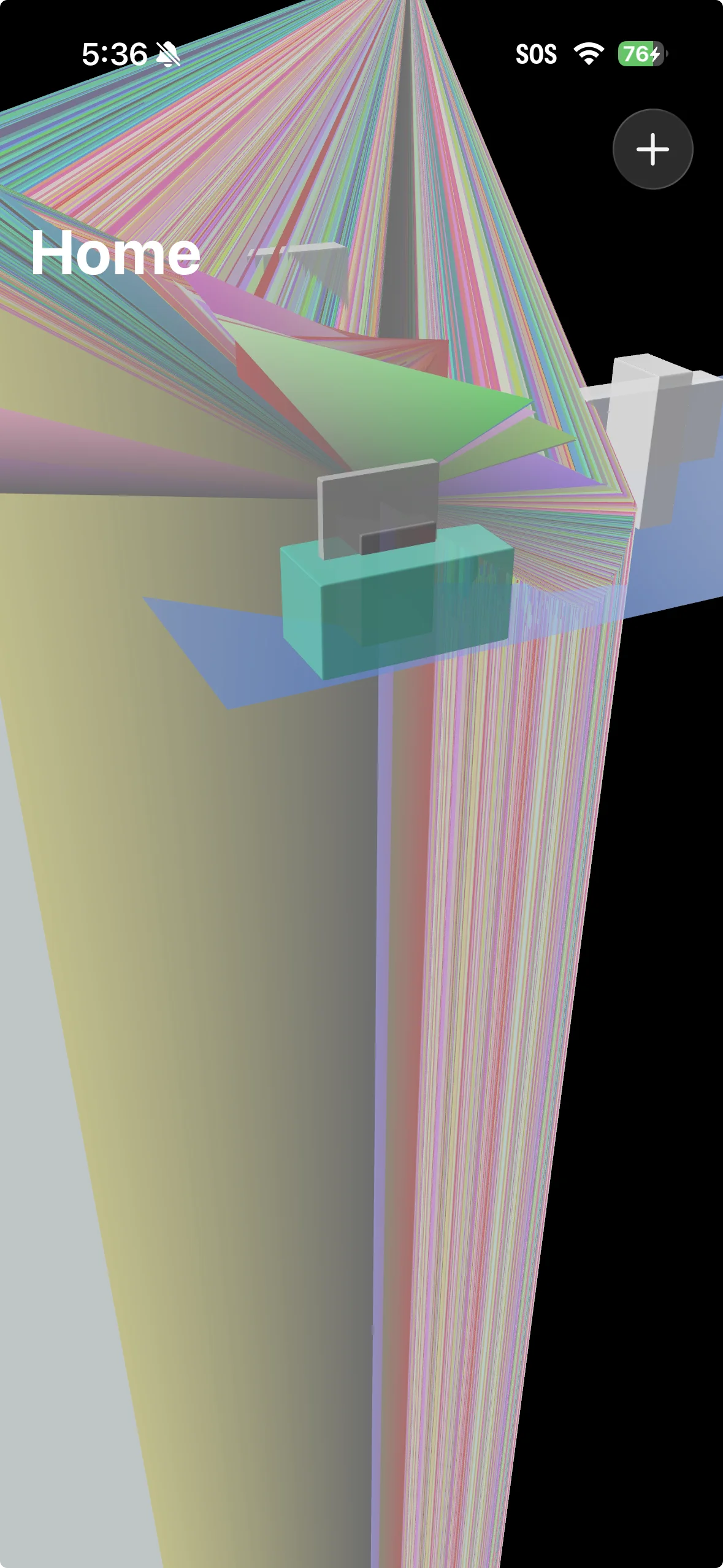
An early streaming experiment gone wrong…or very right?
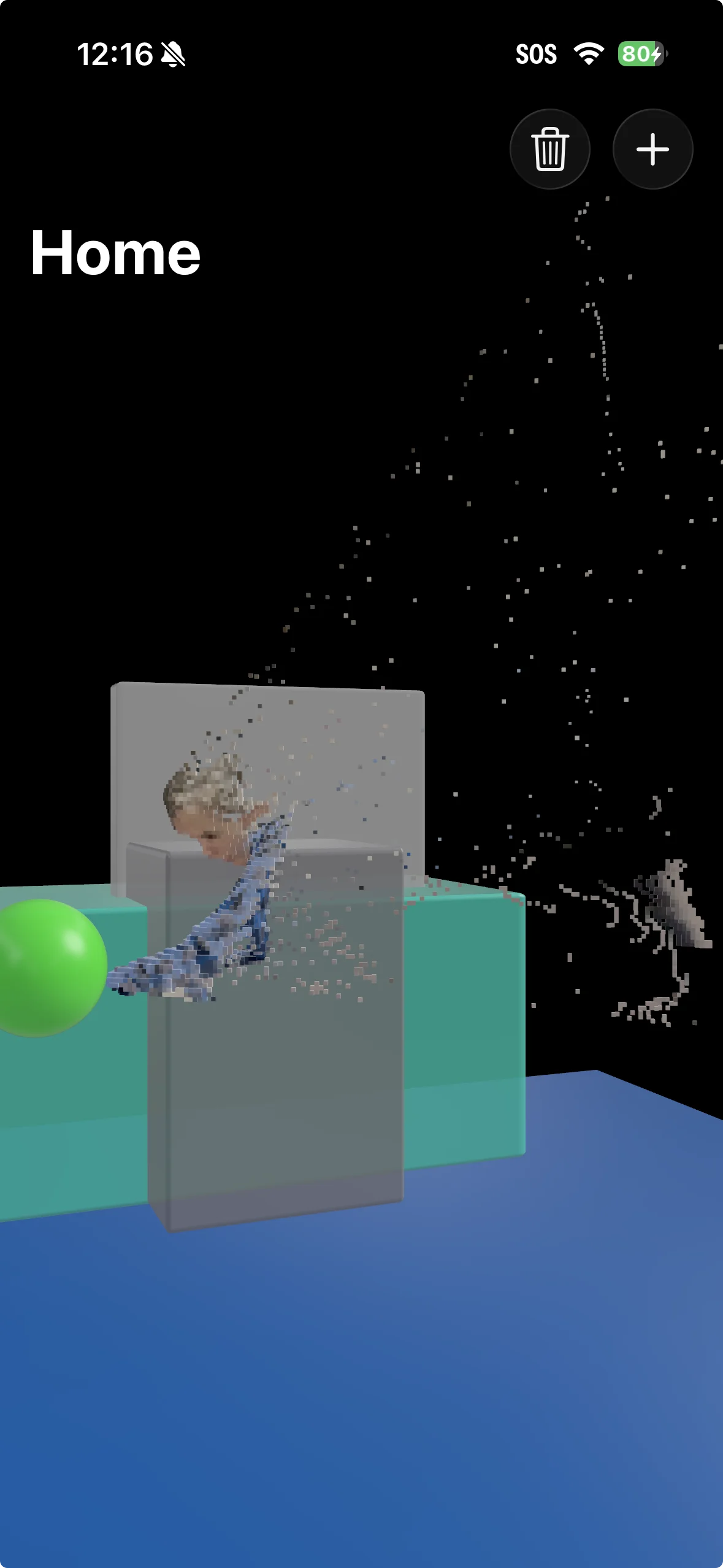
I like this one
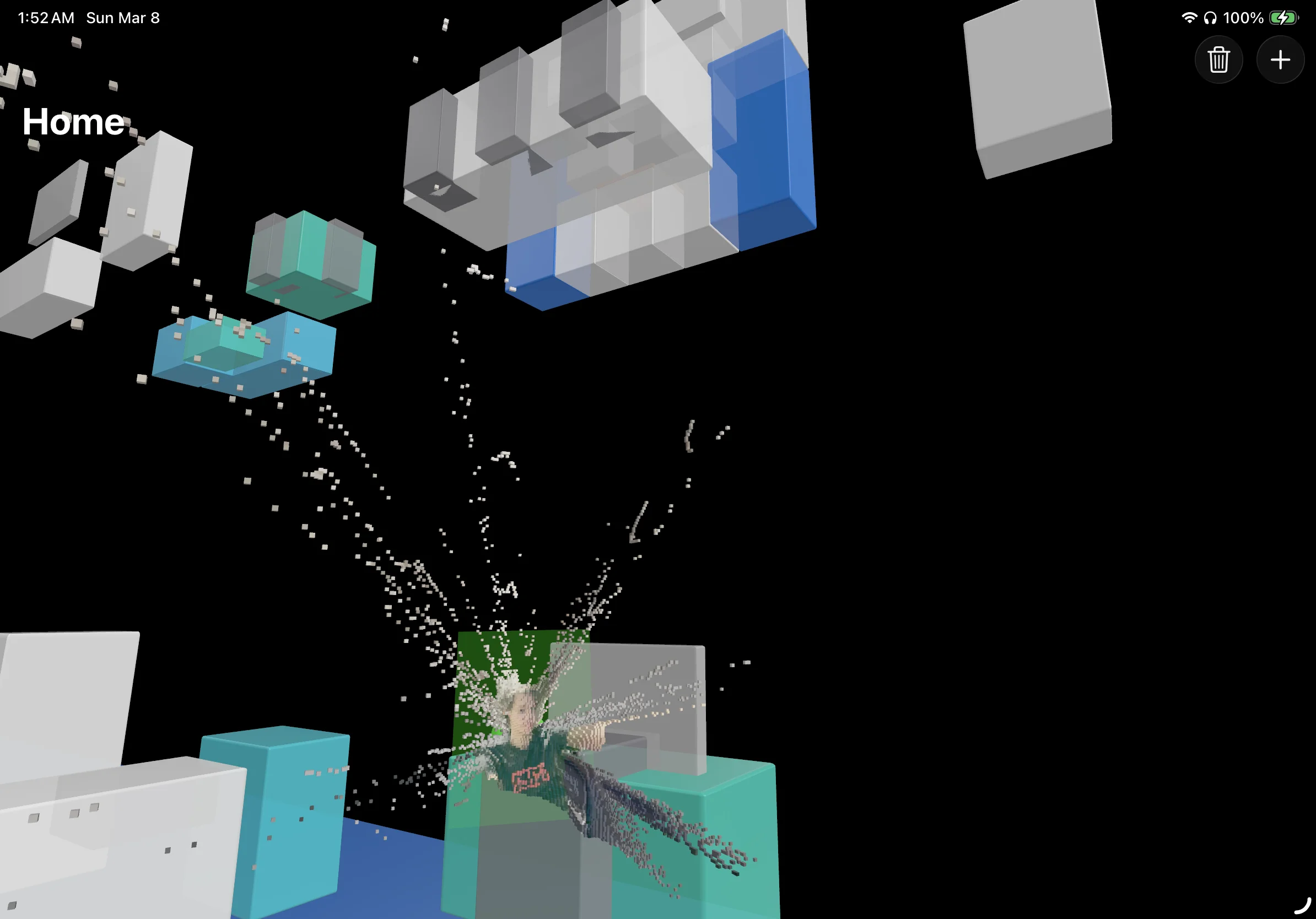
Everything is not Right Where It Belongs
I believe widespread live “holograms” and more intelligent homes are on the horizon.
It’s fun to build some early, mini version of what I think that could look like.
Want my help to build something in this space? Let’s talk.
Got it! I’ll reply soon.